Is Mufka free?
Yes. Mufka is free and open source under the MIT licence. There is no account, subscription or paid tier.
Which computers does it run on?
Macs with macOS 12 Monterey or later, Apple silicon or Intel (one download for both), and PCs with Windows 10 or 11, 64‑bit.
Why does Windows say “Windows protected your PC”?
Mufka is not signed with a paid Microsoft certificate yet, so Windows asks once. If Edge says the file isn’t commonly downloaded, choose ⋯ → Keep; when SmartScreen appears, click More info, then Run anyway.
Why does macOS warn me the first time I open it?
Mufka is not notarized by Apple yet, so macOS asks once. Open System Settings → Privacy & Security and click Open Anyway next to the message about Mufka. You only do this once.
Can I use my existing Obsidian vault?
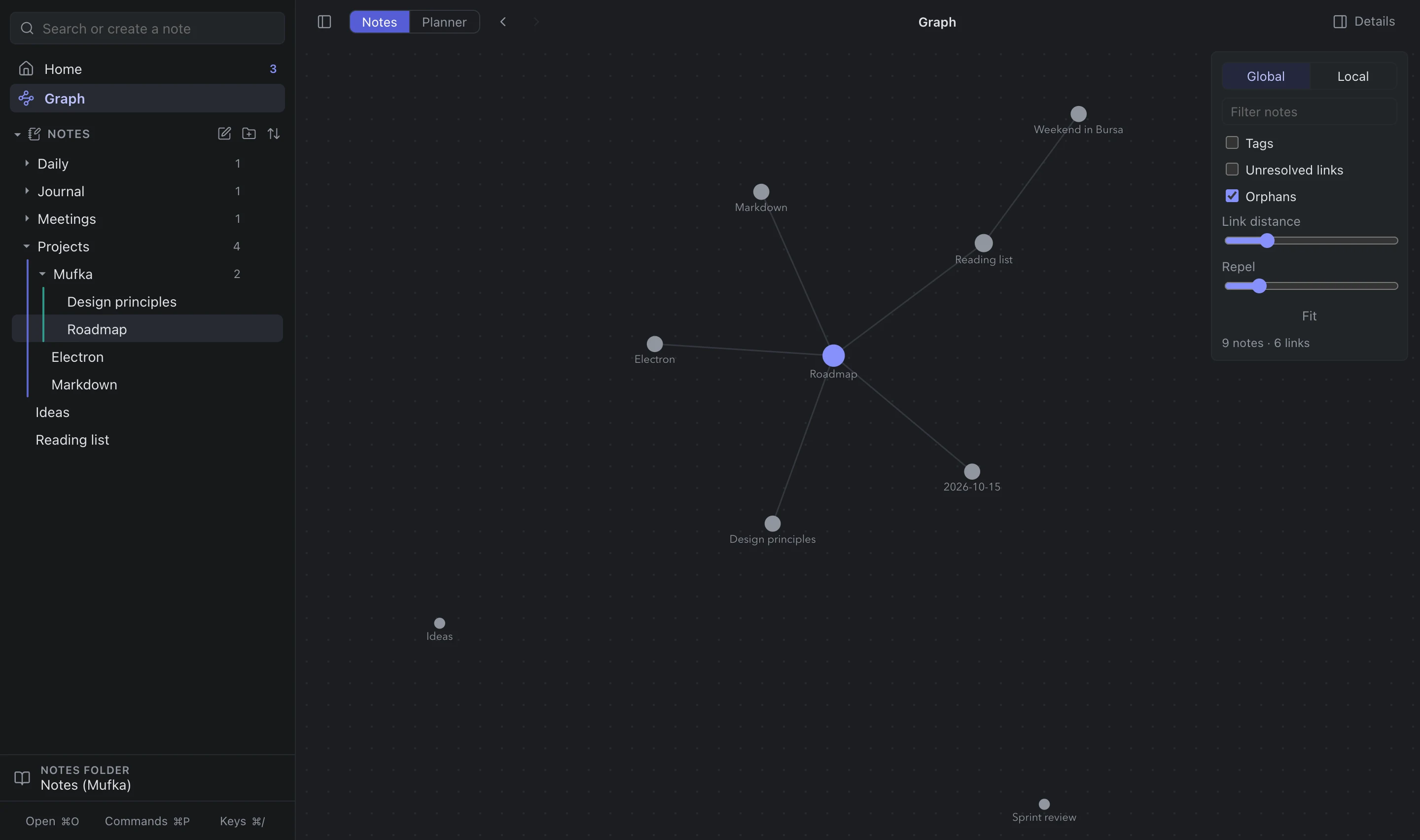
Yes. Choose any folder as your notes folder — Mufka reads and writes plain Markdown, follows Obsidian’s daily‑note and attachment settings, and adds nothing on its own.
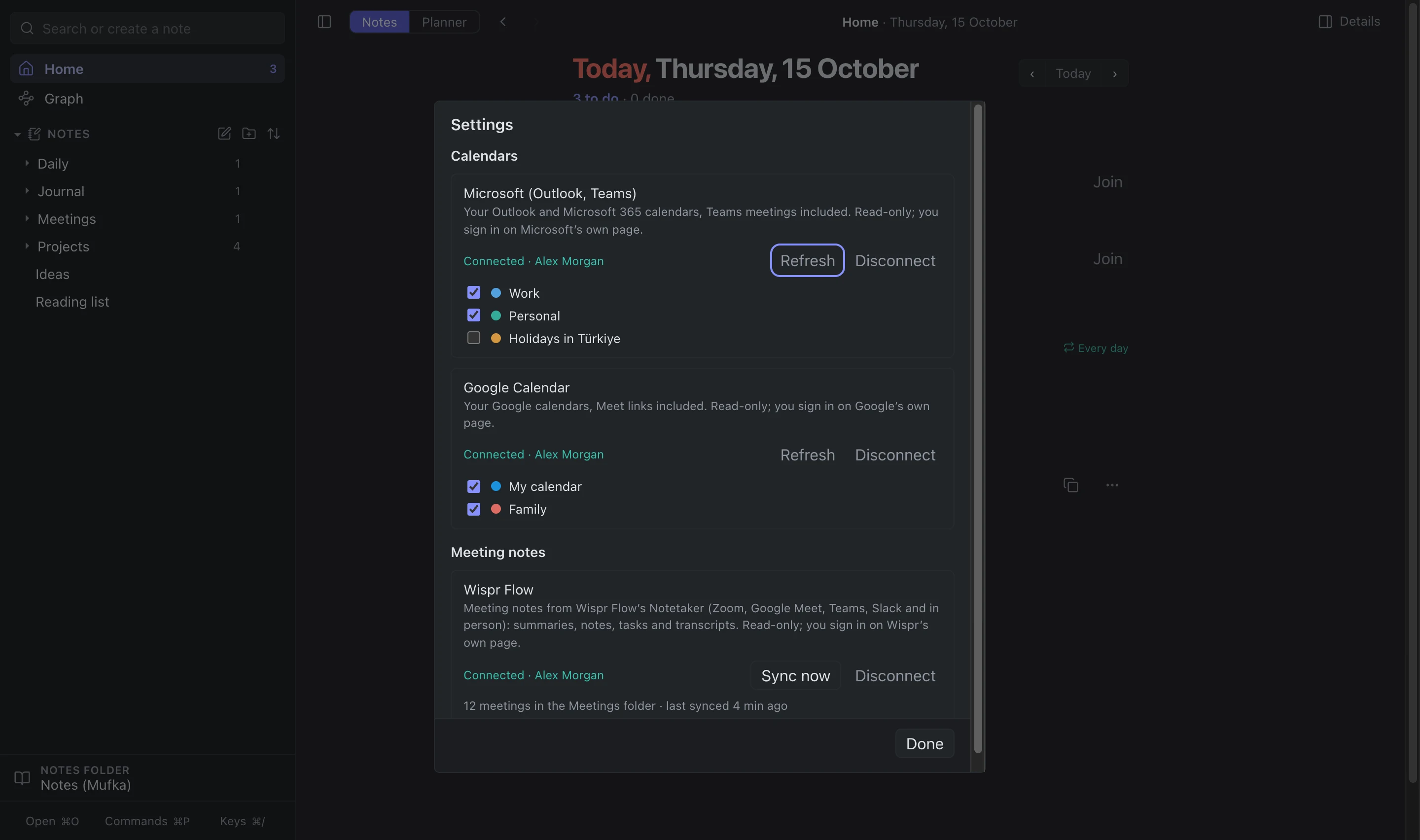
How do the calendars connect, and what can Mufka see?
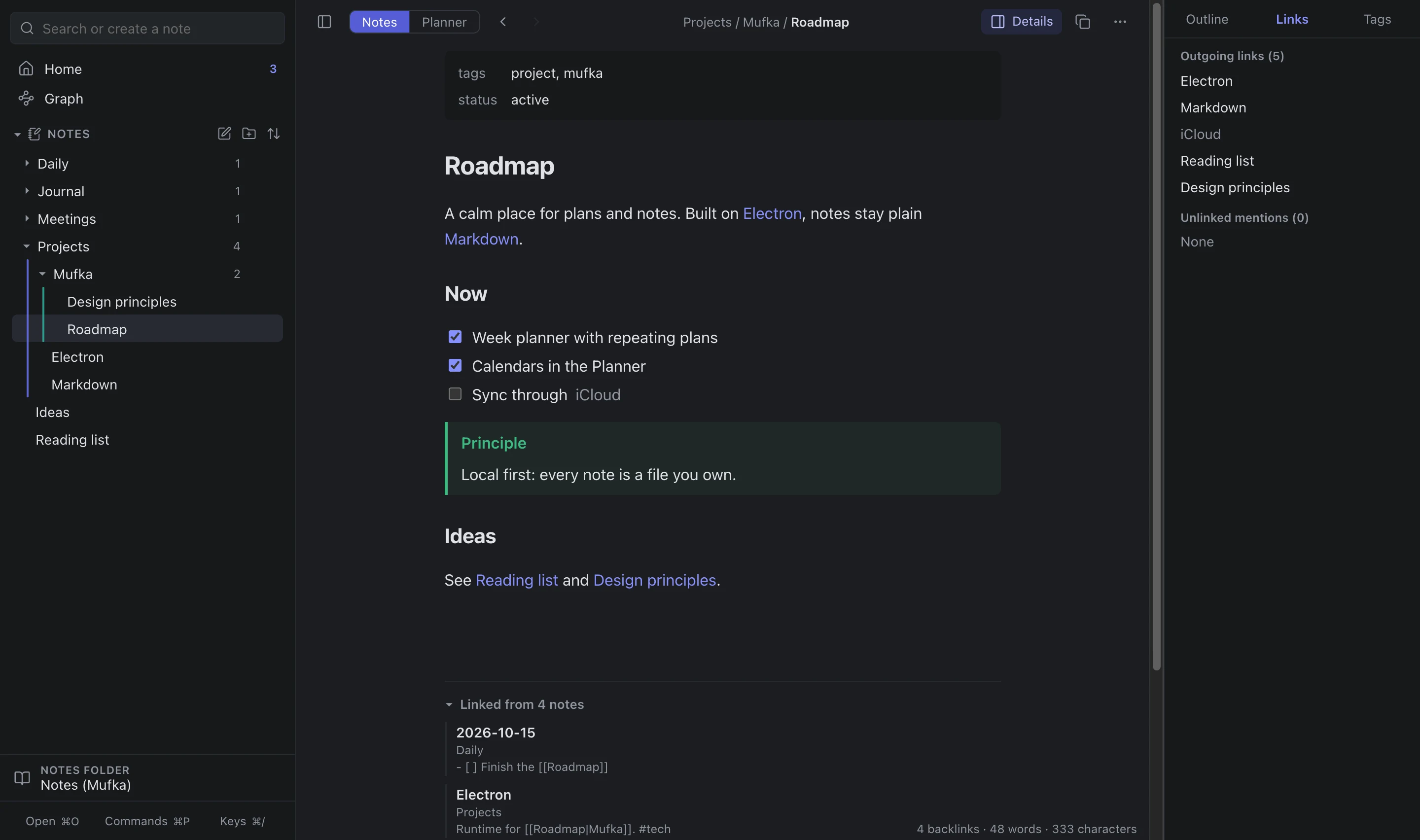
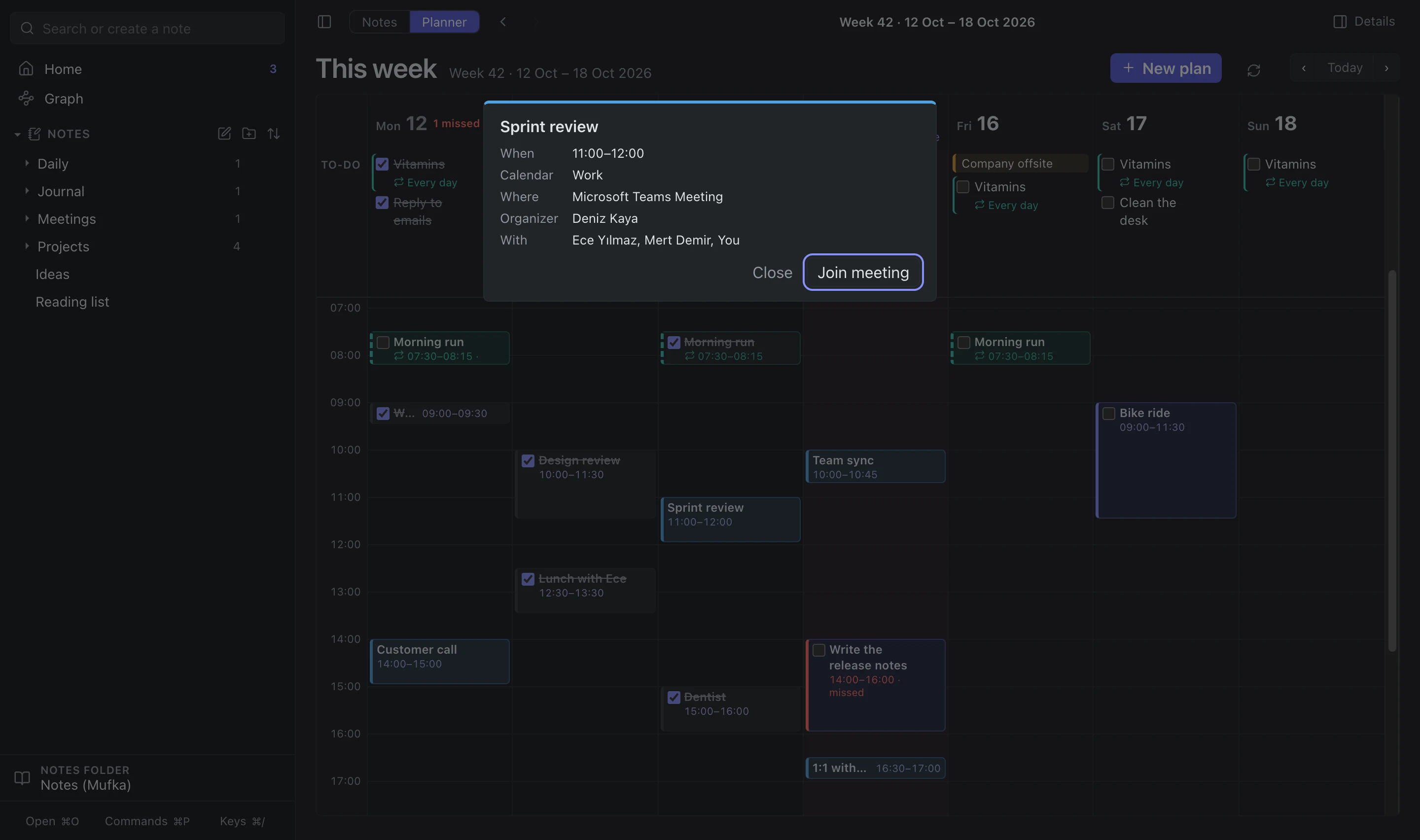
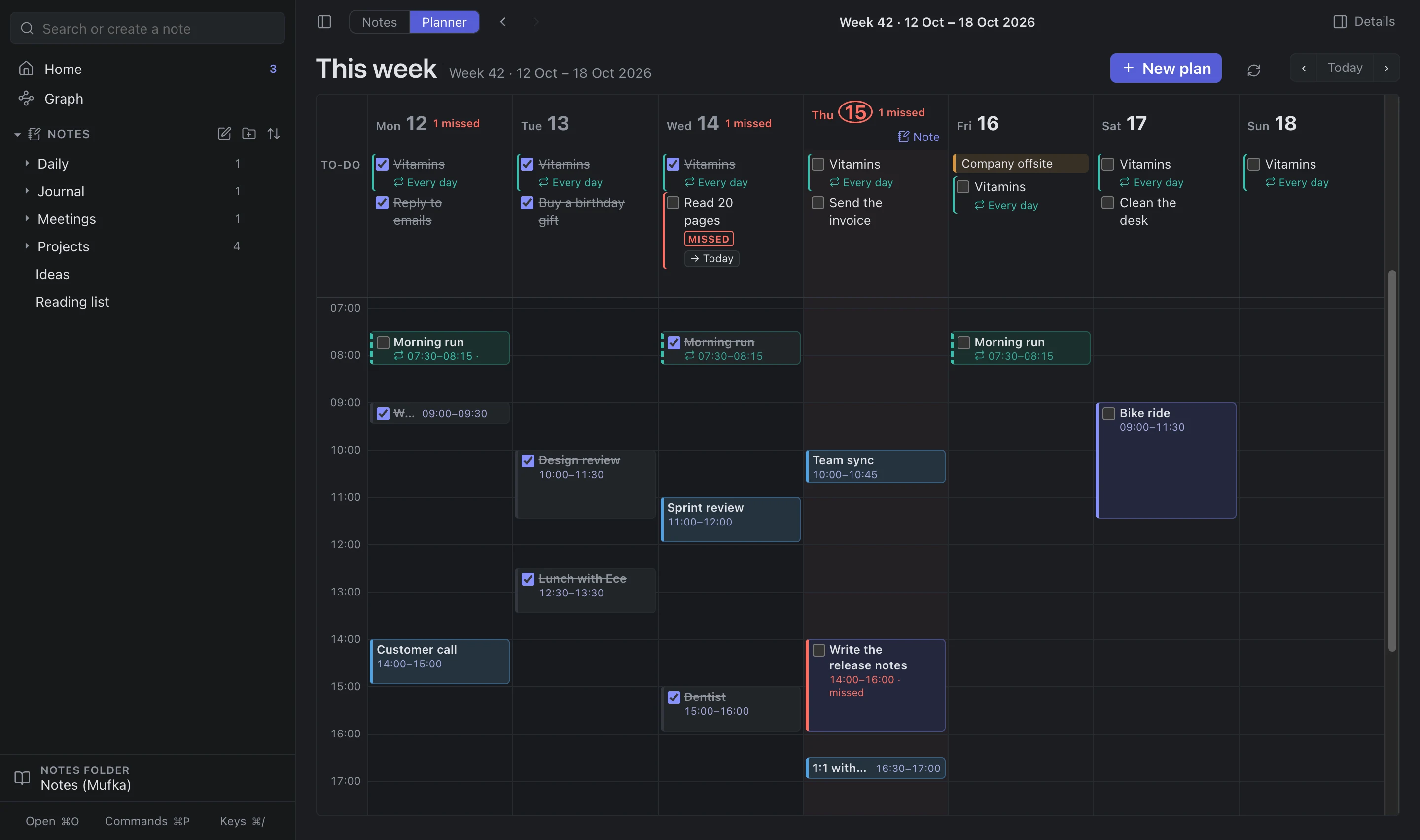
In Settings, Connect opens Microsoft’s or Google’s own sign‑in page. Mufka asks only to read your calendars (Calendars.Read / calendar.readonly). It shows your events in the Planner and on Home and never creates, changes or deletes anything.
Where is my data, and how do I delete it?
Everything lives on your computer: notes in Documents/Mufka (or the folder you chose), plans and settings in ~/Library/Application Support/Mufka on a Mac or %APPDATA%\Mufka on Windows. Disconnect a calendar in Settings to remove its sign‑in; delete those two folders to remove everything. See the privacy policy.
 Mufka
Mufka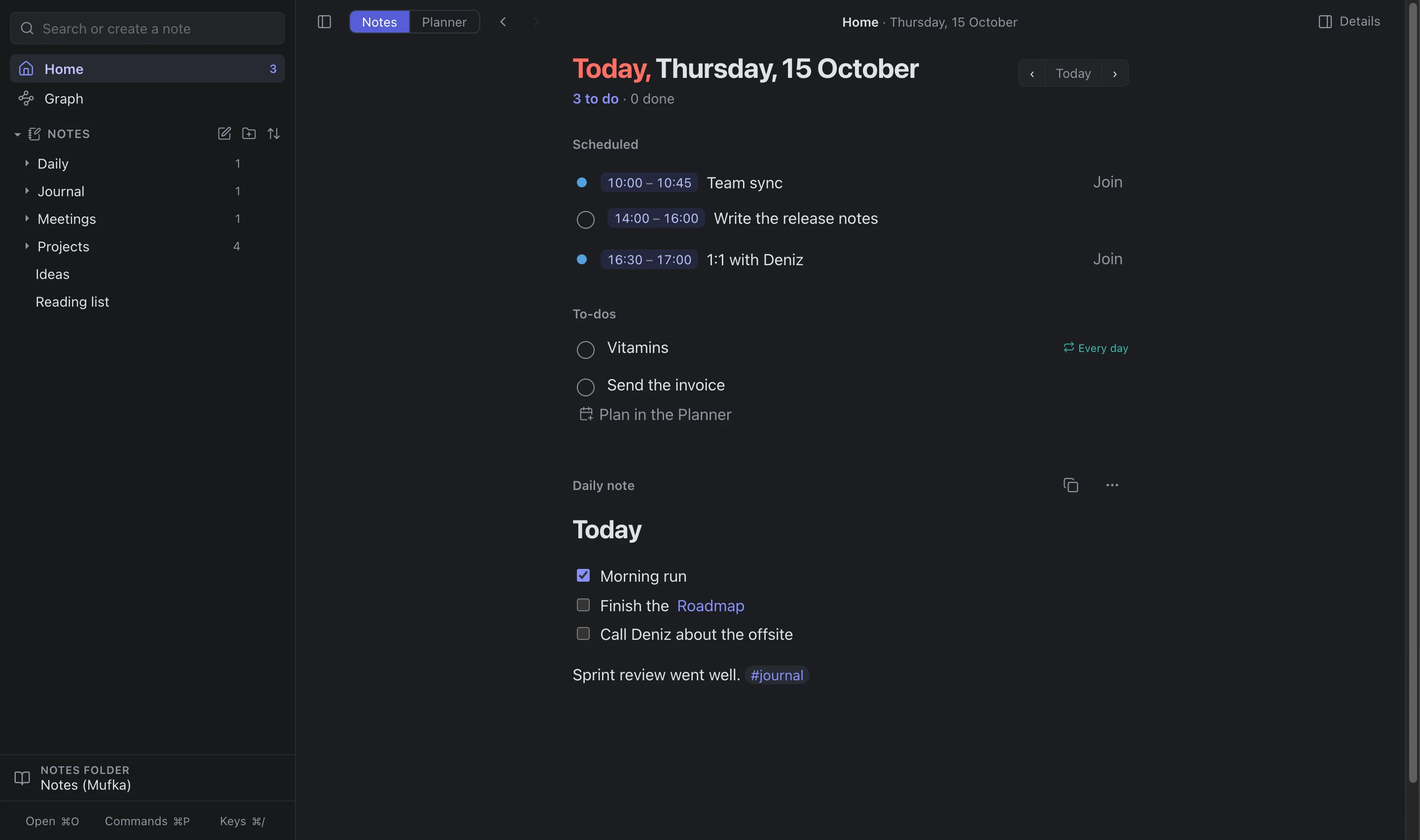
 Outlook
 Microsoft Teams
 Google Calendar
 Google Meet
 Zoom
Zoom Wispr Flow meeting notes